
How To Get The Best Out Of The Parental Leave Database
Our Parental Leave Database has a number of useful benchmarking tools:
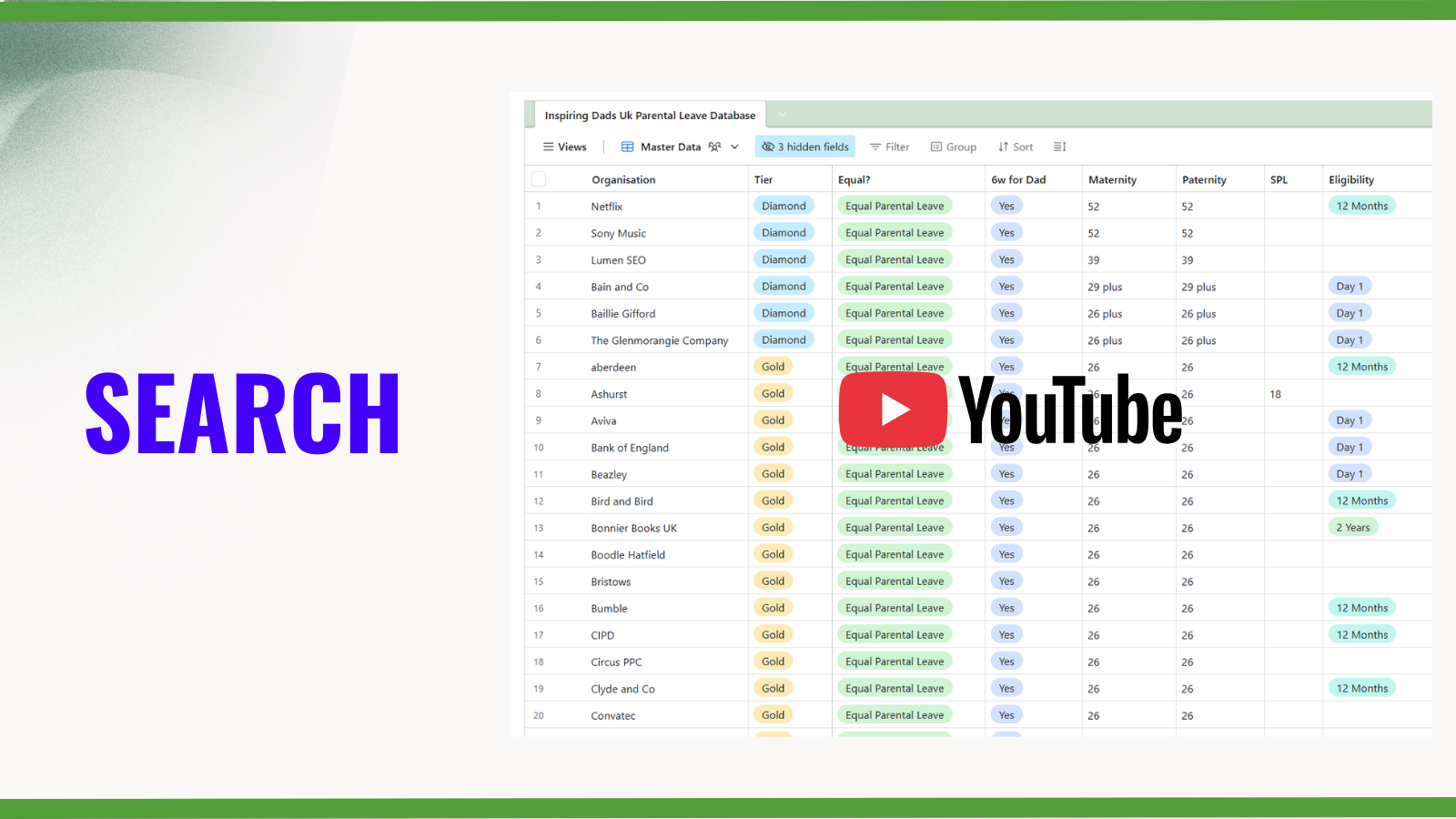
✅ SEARCH
Search for an organisation - use the magnifying glass icon in the top right of the database.
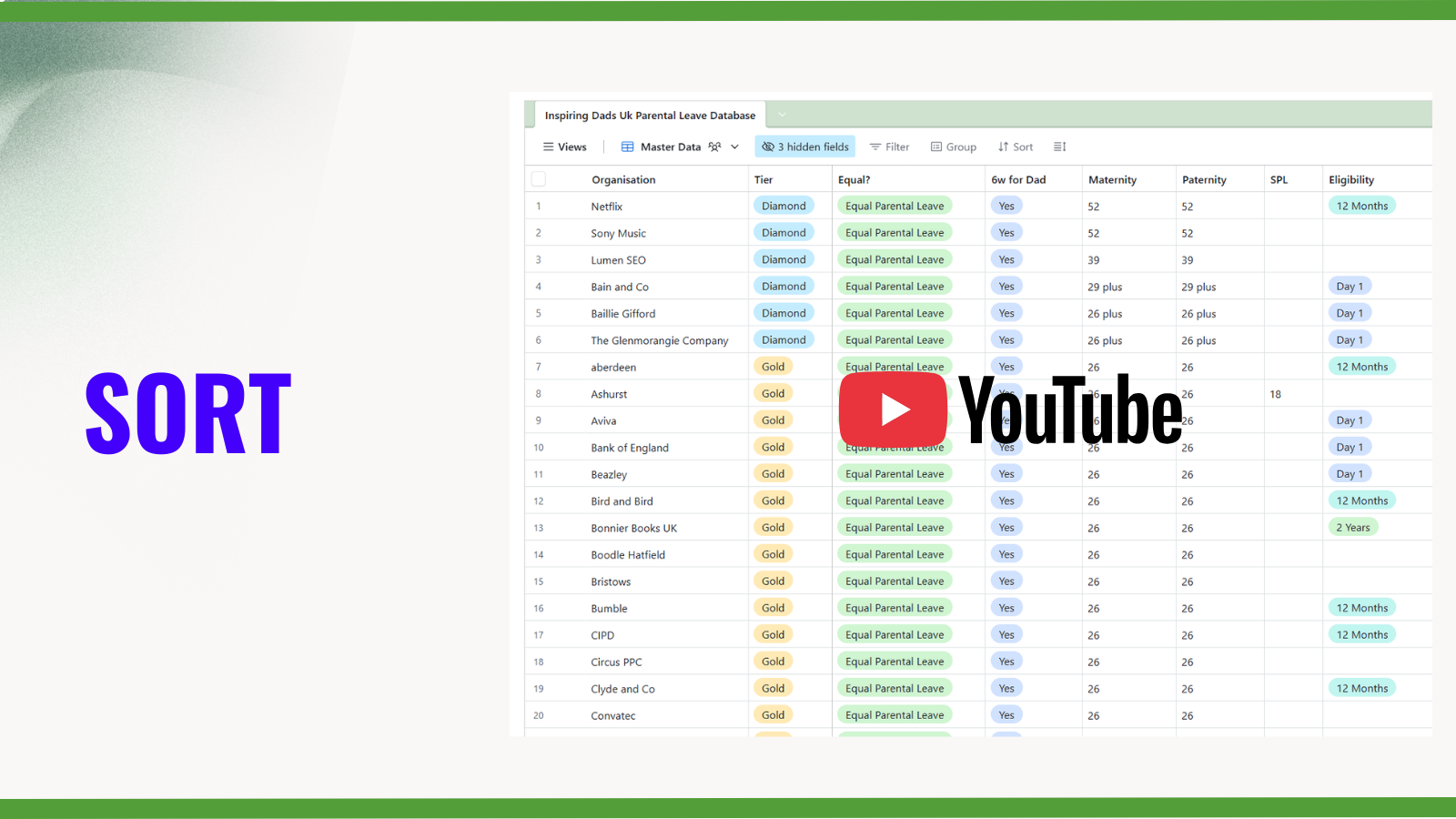
✅ SORT
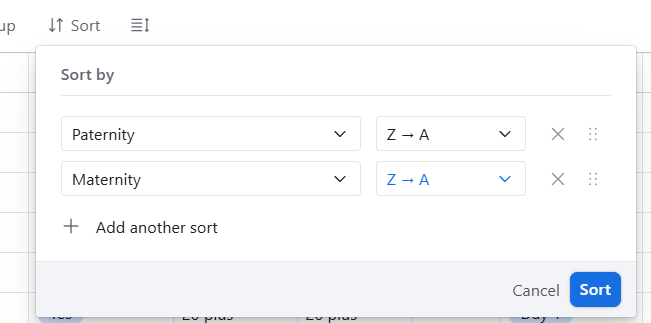
1️⃣ Sort by best maternity, paternity or shared parental leave offer - click ‘Sort‘ and choose a column.
Then tap the blue ‘Sort’ button
2️⃣ To sort by maternity and then paternity…
Click ‘+ Add another sort.’
3️⃣ To sort by biggest to smallest choose Z > A.
4️⃣ To change the sort order, click and hold on the 6 dots on the right hand side of the option and drag to create a new order.
Then tap the blue ‘Sort’ button
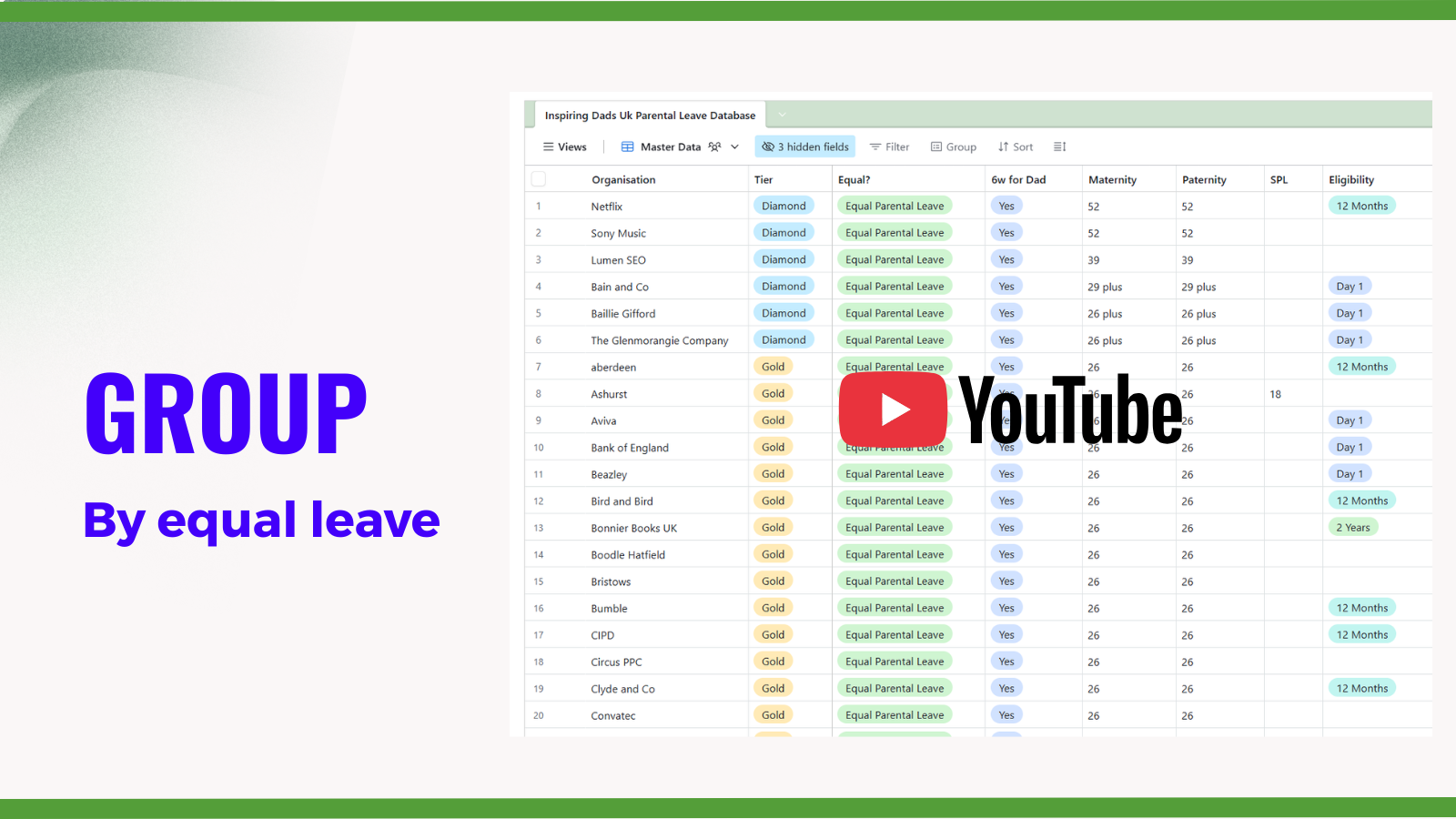
✅ GROUP
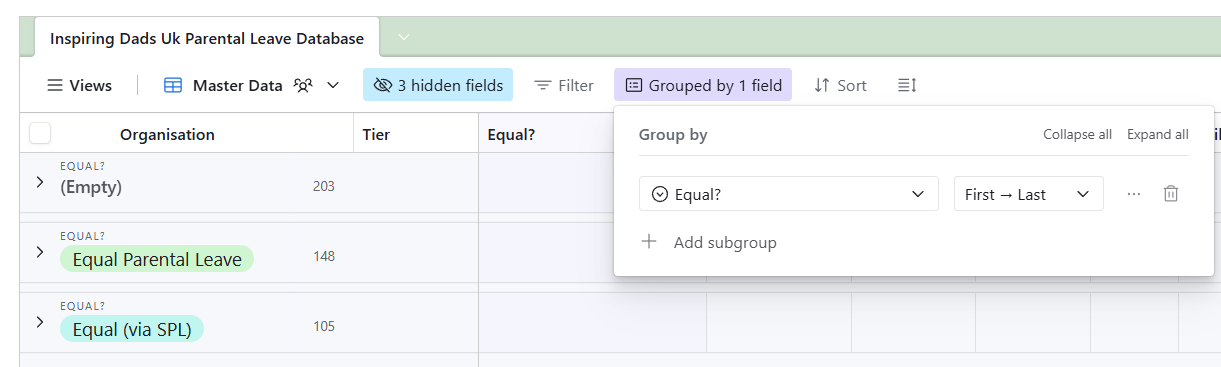
1) By Equal Leave
Click ‘Group’ and scroll down, choose ‘Equal?’ column option.
This will show all organisations as either ‘Equal Parental Leave’ or ‘Equal (via SPL)’ or blank.
Click on the arrow on the left to expand to see only the companies in that grouping.
✅ GROUP
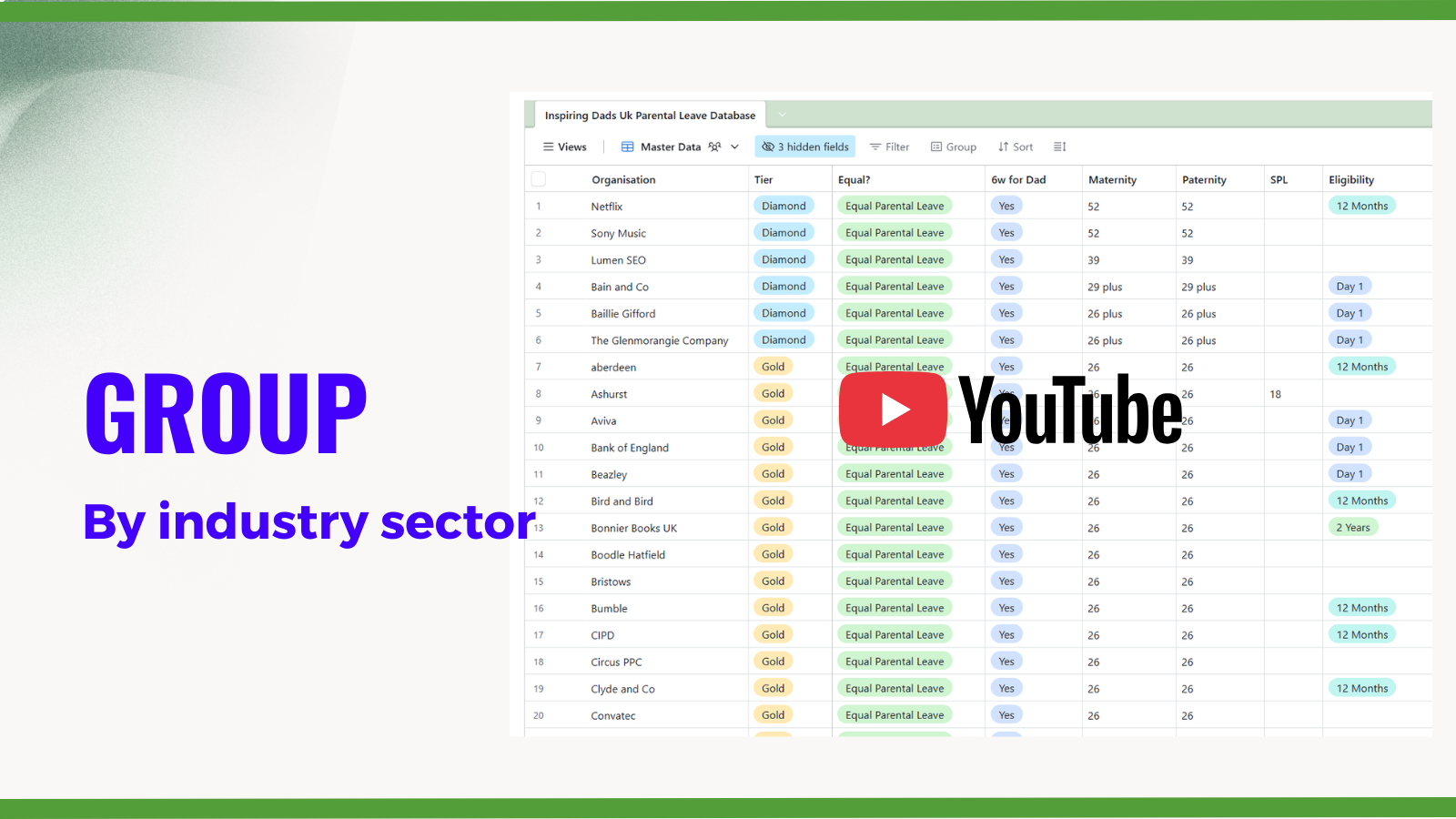
2) By Industry sector
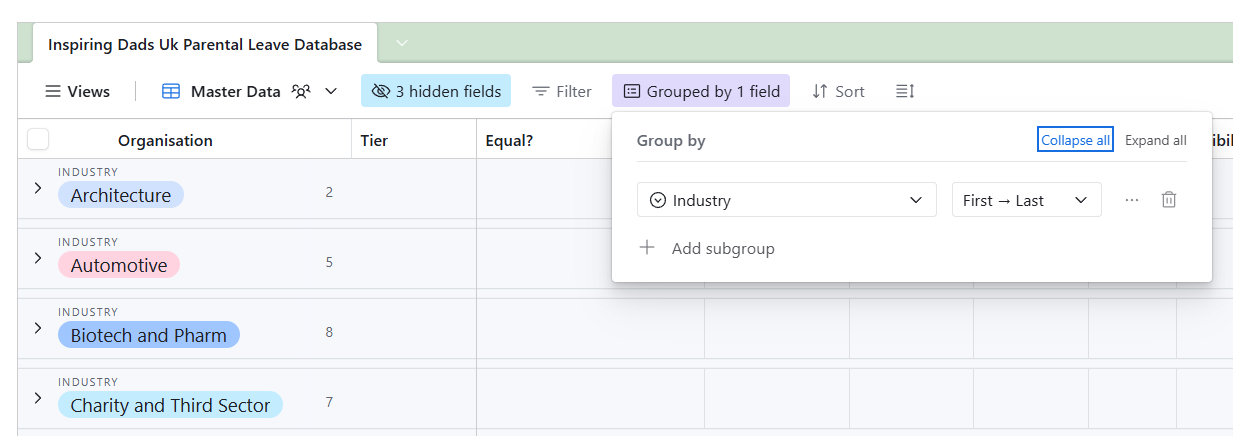
Click ‘Group’ and scroll down, choose ‘Industry’ option.
This will show all organisations, alphabetically, by the database’s industry grouping.
Click ‘Collapse All’ to navigate quickly between industry.
Click on the arrow next to the industry name to expand see only the companies in that industry.
✅ GROUP
3) By UK employee size
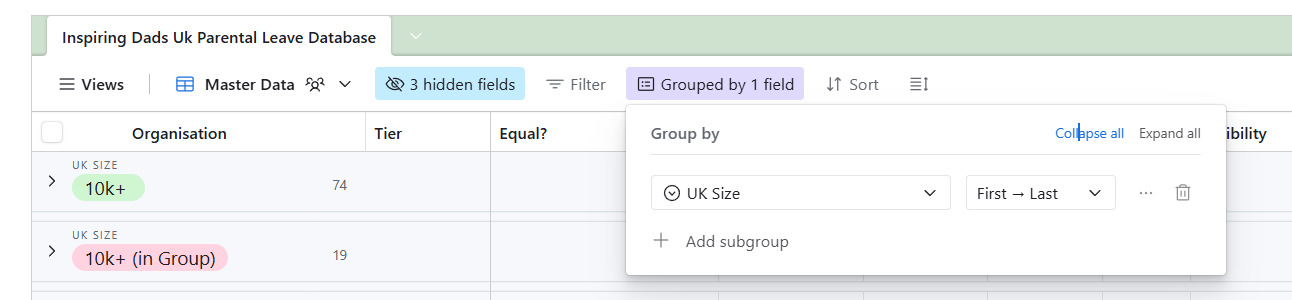
Click ‘Group’ and scroll down, choose ‘UK Size’ option.
This will show all organisations grouped by the database’s employee size measure.
Click ‘Collapse All’ to navigate quickly between sizes.
Click on the arrow next to the size to expand see only the companies in that bracket
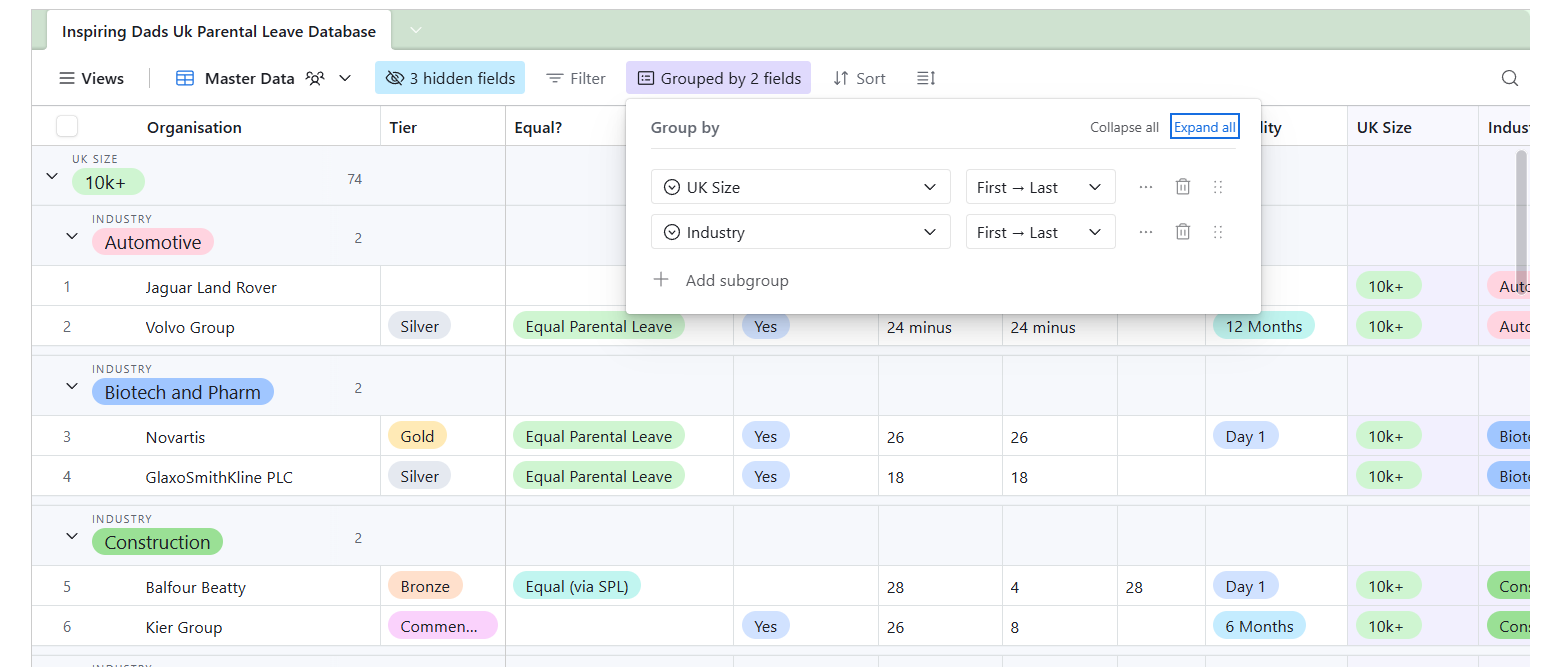
4) Compare by industry sector and UK employee size
click ‘Group’ and choose ‘Industry‘ or ‘UK Size’ as your priority view.
Use ‘+ add subgroup’ function to display the secondary group.
Discover all our tips and tricks in the one place:
SEARCH, SORT, GROUP AND
> HOW TO GROUP BY INDUSTRY SECTOR AND EMPLOYEE SIZE
> UNDERSTANDING ELIGIBILITY
> WHY WE STORE SOURCE MATERIAL